
RBibData#
The RBibData class allows the use of the package in Rmarkdown (or Quarto), via a meta-language. The following documentation describes the meta-language and how to use it.
Note
Most of the syntax is directly inherited from ROsmose (it needs to be connected on an EPFL WiFi or on the VPN to access the documentation).
How to start#
Create a Quarto document
Provide the path to the bibliography file in the YAML header and the path to the _default_values_ file if desired:
---
title: "Bibdata Management"
author: "Bibdata documentation"
bibliography: path/bibliography.bib
params:
    default_values: path/parameters_description.csv
---
Source the bibdatamanagement-setup.R script in your setup chunk:
{r setup, echo=F, message=F, warning=F}
source("https://ipese-internal.epfl.ch/rscripts/bibmanagement-setup.R", local = knitr::knit_global())
or, if you do not have access to the EPFL network:
{r setup, echo=F, message=F, warning=F}
source("https://ipese-web.epfl.ch/static/scripts/bibmanagement-setup.R", local = knitr::knit_global())
In your document, create a rbibdata chunk:
{rbibdata}
: SELECT
Basic principles#
RBibData commands are divided into 3 elements, described in the first line of the chunk:
: SELECT enhor energyscope
A chunk manager, which works the same way as rosmose,
A functionality, that tells RBibData what to do with the information bellow the first line,
Some arguments that goes with the functionality,
The functionalities and their arguments are described hereafter.
For now, the package is having trouble to print a plotly graph in an RMarkdown file. If you encounter an issue,
create an rchunk and call rbibdata as a function, with the string you would have written as an argument.
{r}
rbibdata(': SELECT enhor energyscope')
Functionalities and arguments#
RBibData SELECT#
: SELECT tech_name(parameters) set_name [tab_options, stat_options]
Allows to extract the required data from the bibliography and display it
Parameters:
tech_name (optional): The name of the technology to extract.
parameters (optional): The name of the parameters to specify, if necessary.
set_name (optional): The name of the set of which the data to extract belongs.
tab_options (optional, {‘t’, ‘n’, ‘v’, ‘u’, ‘d’, ‘c’, ‘s’, ‘r’}, default ‘all’): Options of the columns to print in the report.
stat_options (optional, {‘avg’, ‘median’, ‘weighted_avg’, ‘min’, ‘max’}, default ‘None’): Compute the statistics from the data required.
Option
Description
t
Name of the technology
n
Short name of the parameter
v
Value of the parameter
u
Unit
d
Description. Displays as a footnote
c
Comment on the parameter
s
Set to which the parameter belongs
r
Reference
Return: (DataFrame): The selected data are kept in the class under
current_df. If the chunk manager is set to display, generates a table.
There is two additional options to know: * and - after a tech_name or set_name.
tech_name*orset_name*: makes the tech or set one selected by default. Therefore, if one writestech_name*, the tech will be selected again in the next chunk, even if not specified.tech_name-orset_name-: removes the default behaviour of the specified tech.
Note
Note that if no technology nor set are precised, a median set is computed and returned from the whole bibliography.
Examples
: SELECT enhor(trl) energyscope [tnvudsr]
Technology |
Parameter |
Value |
Unit |
Set |
Reference |
|---|---|---|---|---|---|
enhOR |
tech_ready |
9 |
energyscope, first |
Wang et al. (2017) |
RBibData SAVE#
: SAVE [arguments]
Saves a set of data to a temporary file
Parameters:
arguments (optional, {‘bib’, ‘data’, ‘energyscope’}, default ‘bib’): The format to which the data should be loaded. ‘bib’ creates a temporary .bib file from the
current_df, named ‘References.bib’.
‘data’ dumps a pickle with the
current_df. ‘energyscope’ exports a file to be used for Energyscope, named ‘tech_values.dat’.Return
Examples
: SAVE [data]
RBibData LOAD#
: LOAD [arguments]
Load a set of data from a temporary file
Parameters:
arguments (optional, {‘bib’, ‘data’}, default ‘bib’): The format from which the data should be loaded. ‘bib’ loads a .bib file and so creates a new dataset from which the data can be selected.
‘data’ loads a pickle with the name of some technologies, parameters and sets and define them as default. The
current_dfis updated.Return: (RBibData): A modified RBibData object, where the right attributes are modified.
Examples
: LOAD [data]
RBibData PARCOORDS#
: PARCOORDS*file_name tech_name(parameters) set_name [arguments]
Displays a parallel coordinates plot in Plotly
Parameters:
file_name (optional, default: temp/parcoords.html): The name to which the figure should be saved. Must be separated from the functionality by
*.tech_name (optional): To specify a technology to filter by.
set_name (optional): To specify a set to filter by.
arguments (optional, {‘paper’, ‘tech’, ‘both’}, {‘png’, ‘html’}, default {‘paper’, ‘html’}): The arguments that can be passed. The first three are the options to color the lines of the plot. The last two are for the figure’s export format.
Return: (Plotly) A plotly parallel coordinates figure of the specified df.
Note
Note that if no technology nor set are precised, the function uses the current_df that exists from a previous SELECT.
If there was no previous SELECT, then the median set is plotted.
Examples
rbibdata(": PARCOORDS enhor ['both', 'html']")

RBibData HISTOGRAM#
: HISTOGRAM*file_name tech_name(parameters) set_name [arguments]
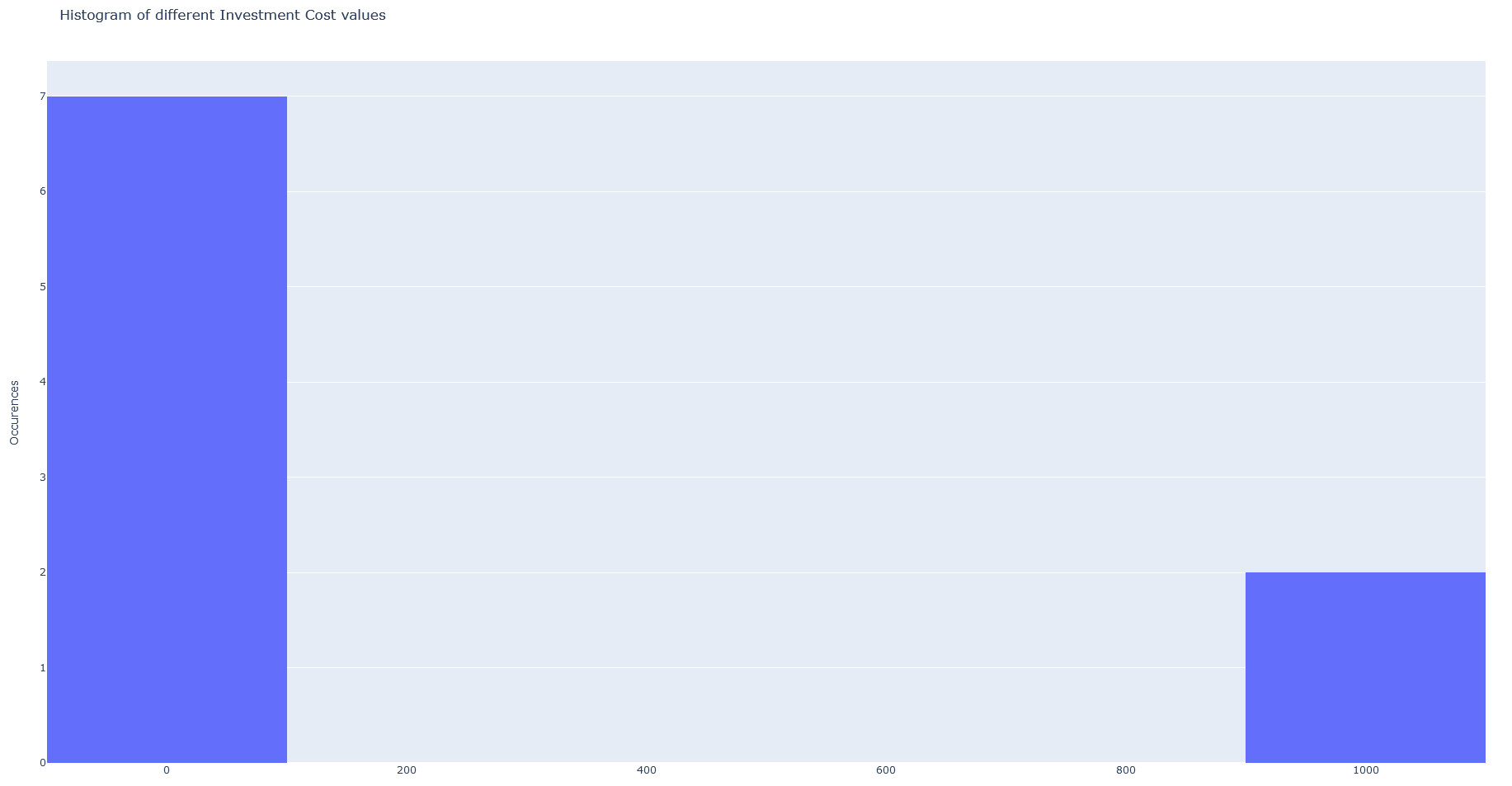
Displays an histogram of the occurrences of a technology parameter in Plotly
Parameters: * file_name (optional, default: temp/parcoords.html): The name to which the figure should be saved. Must be separated from the functionality by
*. * tech_name : To specify a technology to filter by. * set_name : To specify a set to filter by. * arguments (optional, {‘png’, ‘html’}, default {‘html’}): The arguments are for the figure’s export format.Return: (Plotly) An histogram figure of the specified technology parameter.
Examples
rbibdata(": HISTOGRAM enhor(trl) ['html']")